
In this guide
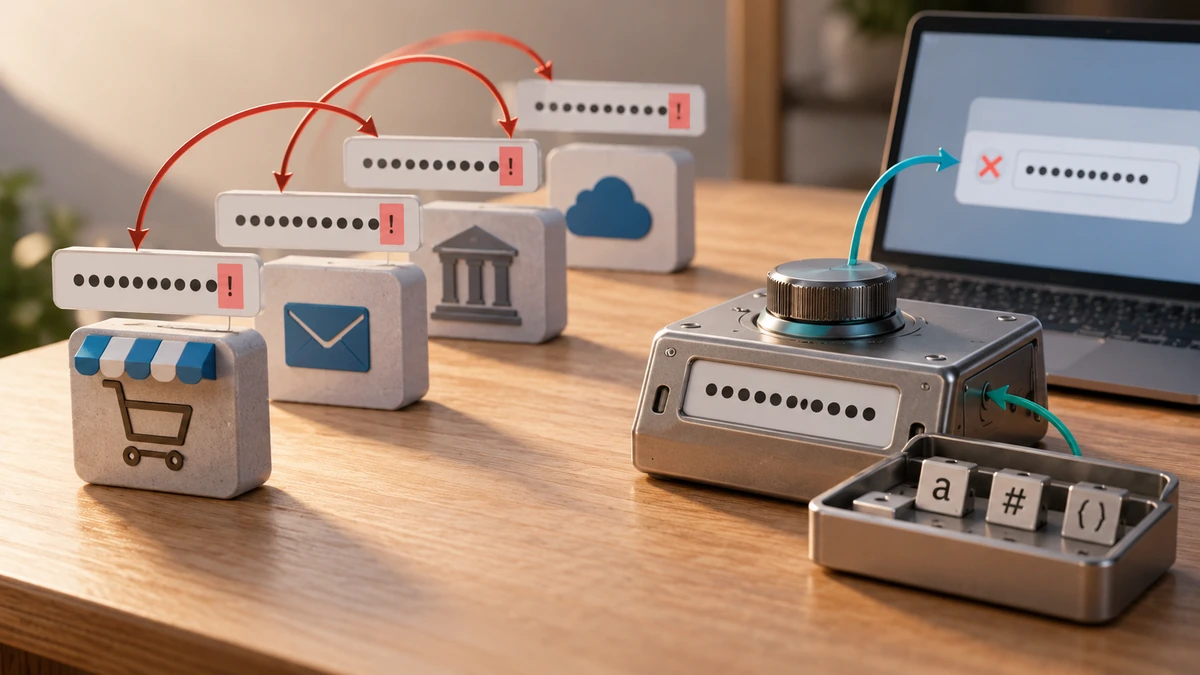
The strongest practical password is long, unique to one account, and generated without a predictable human pattern. Reusing a strong password across sites still creates risk because one breach can expose multiple accounts.
Current NIST digital-identity guidance uses a 15-character minimum for passwords used as a single authentication factor and emphasizes allowing long passwords and passphrases. It also discourages arbitrary composition rules that force predictable character substitutions.
National Institute of Standards and TechnologyPrefer length and uniqueness
Use a password manager to generate and store a different password for every service. When you must remember a secret, a long passphrase made from unrelated words can be more usable than a short string of forced symbols—provided it is not a quote, lyric, saying, or personal phrase.
Use multi-factor authentication where available. A password generator improves the password itself; it does not protect against phishing, malware, account recovery attacks, or reused recovery answers.
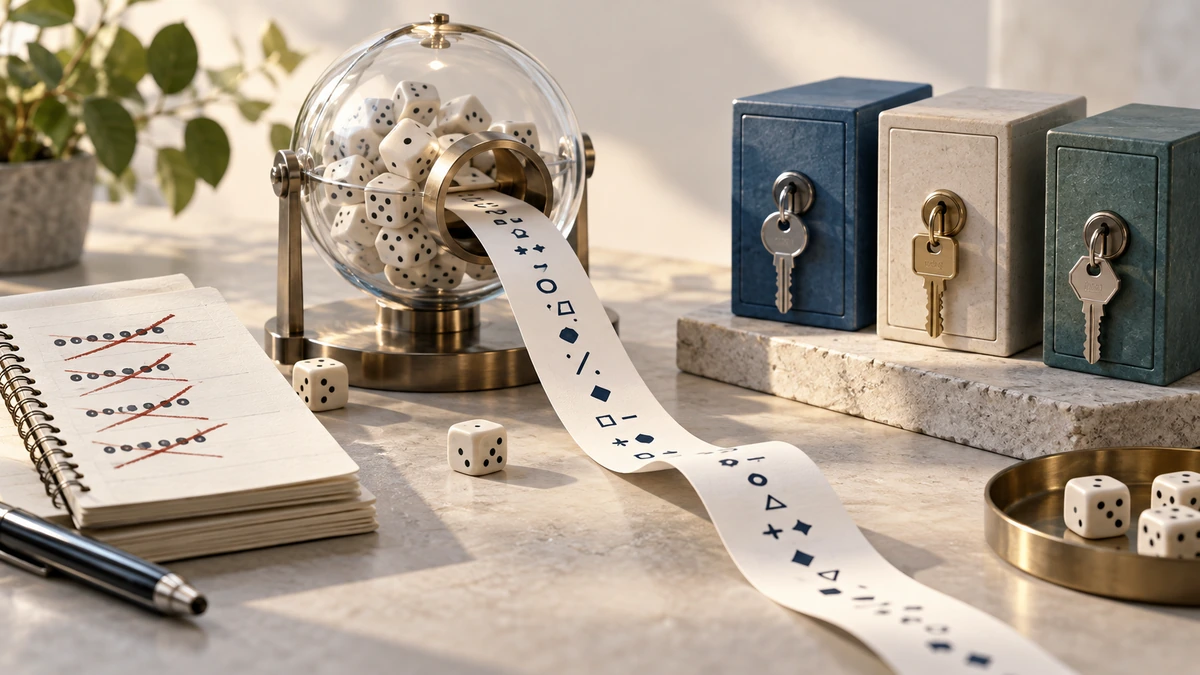
Use a cryptographic random source
In browser software, the Web Crypto API’s getRandomValues() method provides cryptographically strong random values. MDN contrasts it with Math.random(), which is not a cryptographic random source.
MDN Web DocsGenerate locally when possible, copy the result directly into the account and password manager, and clear temporary notes or clipboard history if they may retain the secret.
- Generate a unique password for each account.
- Use the service’s maximum practical length.
- Store passwords in a trusted password manager.
- Enable multi-factor authentication.
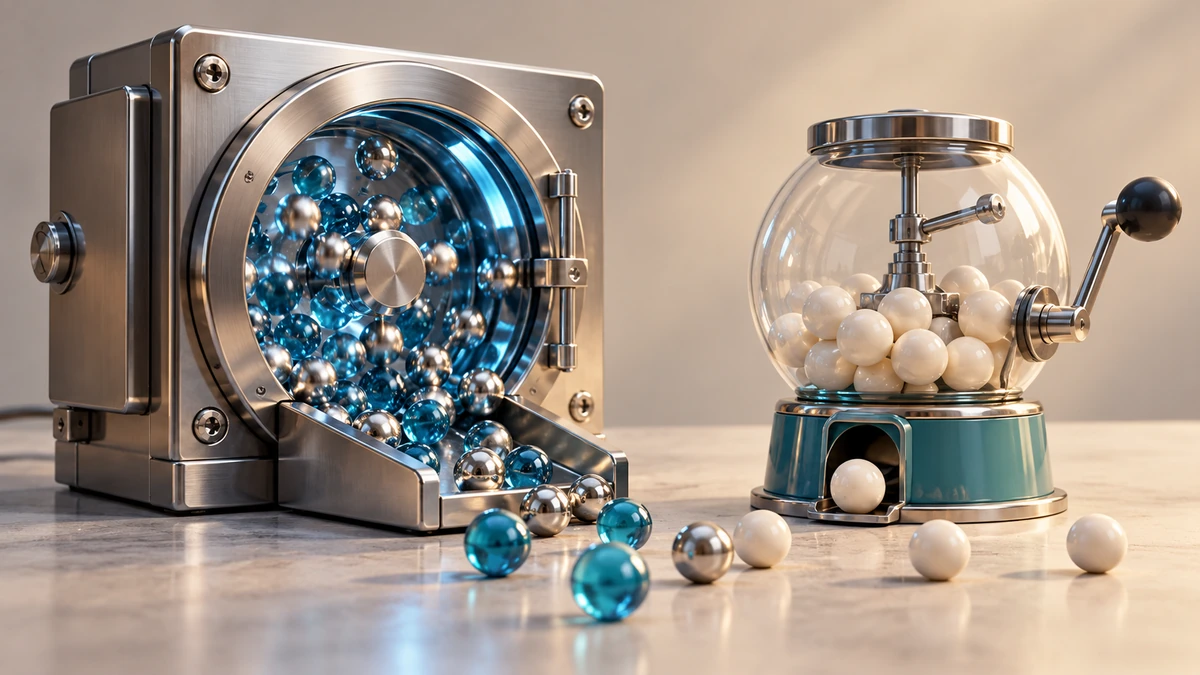
Do not “improve” a generated password predictably
Adding the site name, current year, or an exclamation mark in a consistent place creates a pattern across accounts. If a site rejects the generated password, adjust the generator to the site’s allowed characters and length rather than manually creating a reusable formula.
Never place a real account password into a strength-demo website, screenshot, support message, or shared document. Generate a new secret directly for the account that will use it.
Key takeaways
- Long and unique beats short and complicated.
- Use cryptographically strong randomness, not Math.random() or human patterns.
- Store generated passwords in a manager and add multi-factor authentication.
Sources
References for factual claims and further reading.
- 01
National Institute of Standards and Technology
Digital Identity Guidelines: Authentication and Authenticator Management - 02
MDN Web Docs
Crypto.getRandomValues()
Educational information only. Follow the requirements of the receiving organization, product label, applicable standard, or qualified professional for your situation.