
In this guide
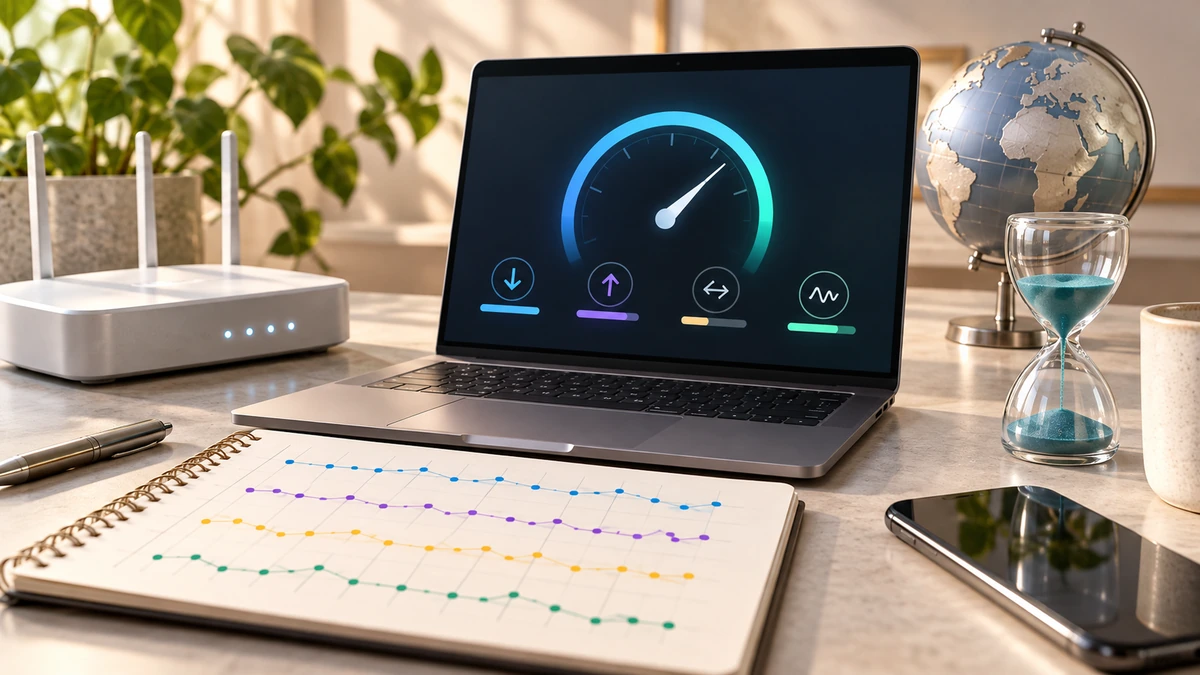
A speed test measures one path from one device to one test service at one moment. It is useful evidence, but it is not a permanent rating of the connection.
The U.S. Federal Communications Commission identifies download speed, upload speed, latency, and packet loss as key broadband performance metrics that influence how applications work.
U.S. Federal Communications CommissionRead the metrics separately
Download speed describes data arriving at the device and matters for streaming, large downloads, and many browsing tasks. Upload speed describes data leaving the device and matters for cloud backups, file sharing, and outgoing video.
Latency is delay, commonly reported in milliseconds. Lower latency generally helps interactive work such as calls, games, and remote desktops. Packet loss means some data packets do not arrive and can cause glitches even when headline speed looks high.
U.S. Federal Communications CommissionCreate a repeatable test
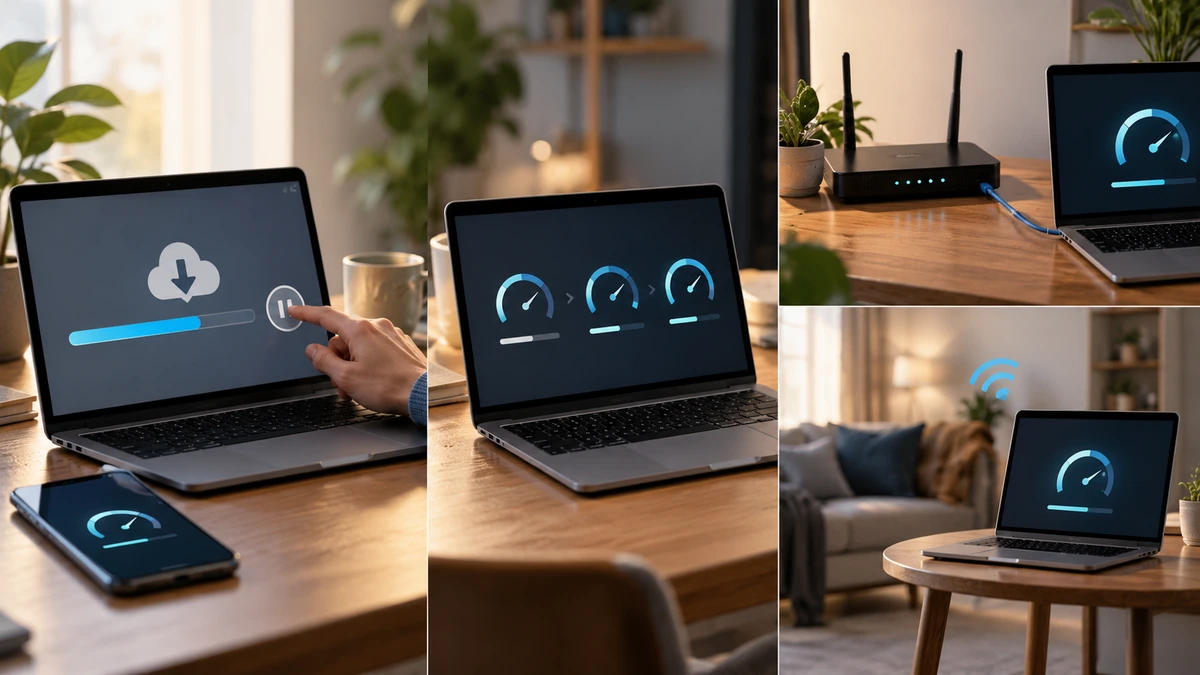
Pause large downloads and cloud backups, then test the same device several times. For troubleshooting, compare Wi-Fi with a wired connection when possible and test near the router before testing the problem room.
Record time, device, connection type, server or test service, and result. Evening congestion, Wi-Fi interference, server load, browser state, VPN use, and other household traffic can all change a reading.
- Run multiple tests at different times.
- Compare wired and Wi-Fi results.
- Test more than one device.
- Record latency and loss, not only Mbps.
Use patterns, not a single screenshot
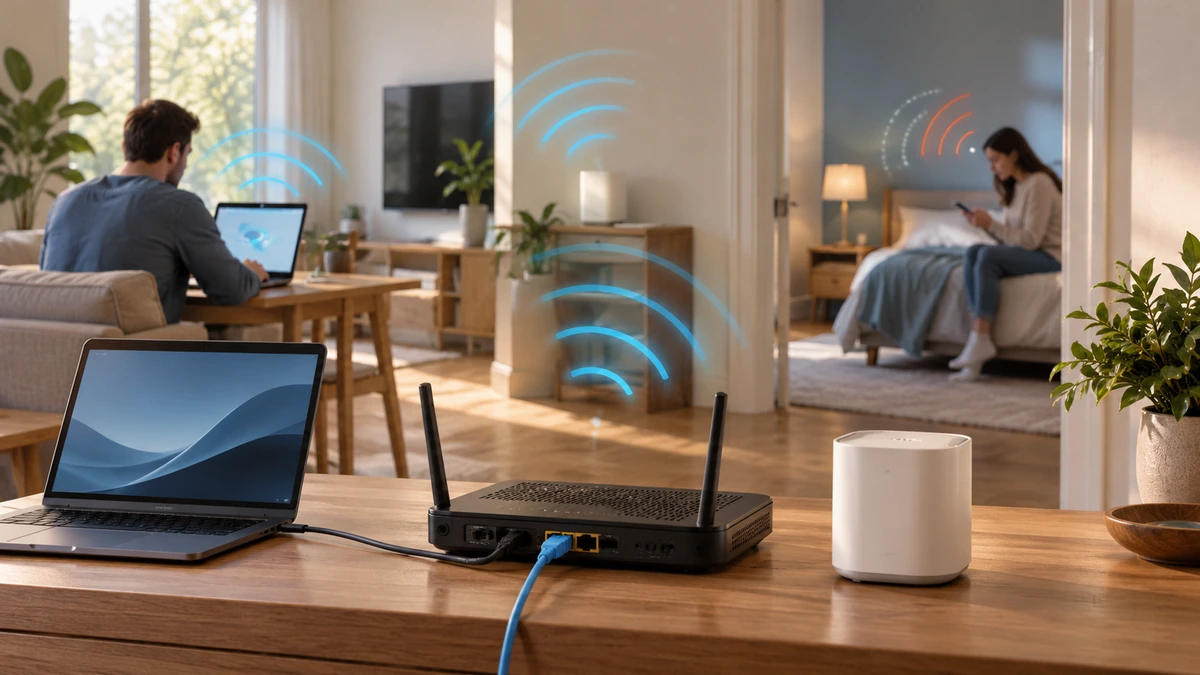
If wired tests are stable but one room is slow, investigate Wi-Fi placement and interference. If every device and wired test underperforms at the same times, collect repeated results before contacting the provider.
A browser test can be constrained by the test server, route, device CPU, and browser implementation. Compare like with like and avoid claiming a precise service fault from one isolated run.
Key takeaways
- Download, upload, latency, and loss describe different experiences.
- Repeat tests under documented conditions.
- Use cross-device and wired comparisons to isolate the bottleneck.
Sources
References for factual claims and further reading.
- 01
U.S. Federal Communications Commission
Measuring Broadband America: key performance metrics
Educational information only. Follow the requirements of the receiving organization, product label, applicable standard, or qualified professional for your situation.