

In this guide
Converting a PDF page to an image is useful for previews, slide decks, content systems, and devices that cannot accept PDFs. The key choice is whether the page behaves more like a photograph or more like a diagram.
MDN describes JPEG as a lossy format suited to still photographs, while PNG uses lossless compression and supports full alpha transparency. That difference should drive the choice.
MDN Web DocsChoose JPG for photographic pages
JPG is usually the efficient choice for scanned photographs, magazine pages, and image-led documents. Lossy compression can make these pages substantially smaller by approximating visual detail that people are less likely to notice.
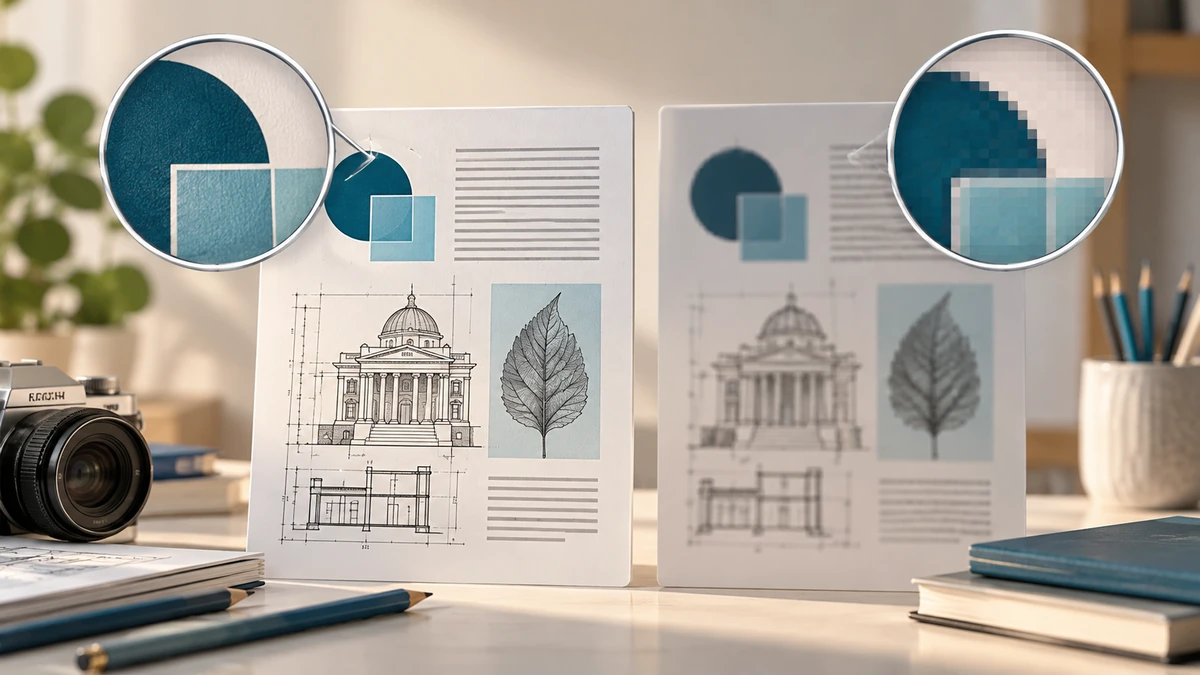
The cost is that repeated saving or aggressive quality settings can introduce ringing, blocking, or fuzzy edges. Text and line art expose those artifacts quickly, especially around high-contrast black-on-white characters.
Choose PNG for text and hard edges
PNG is better when exact pixels matter: screenshots, diagrams, logos, line drawings, or pages dominated by small text. Its lossless compression preserves sharp edges, though the file may be much larger than a JPG of the same dimensions.
MDN Web DocsA PDF page does not inherently become editable when converted. The image contains pixels, not the original text objects, links, tags, form fields, or vector instructions. Keep the PDF if search, accessibility, selectable text, or printing fidelity matters.
- Photo-heavy page: start with JPG.
- Screenshot, chart, or small text: start with PNG.
- Need searchable text or links: keep the PDF as the primary file.
Export pages, not embedded images, when context matters
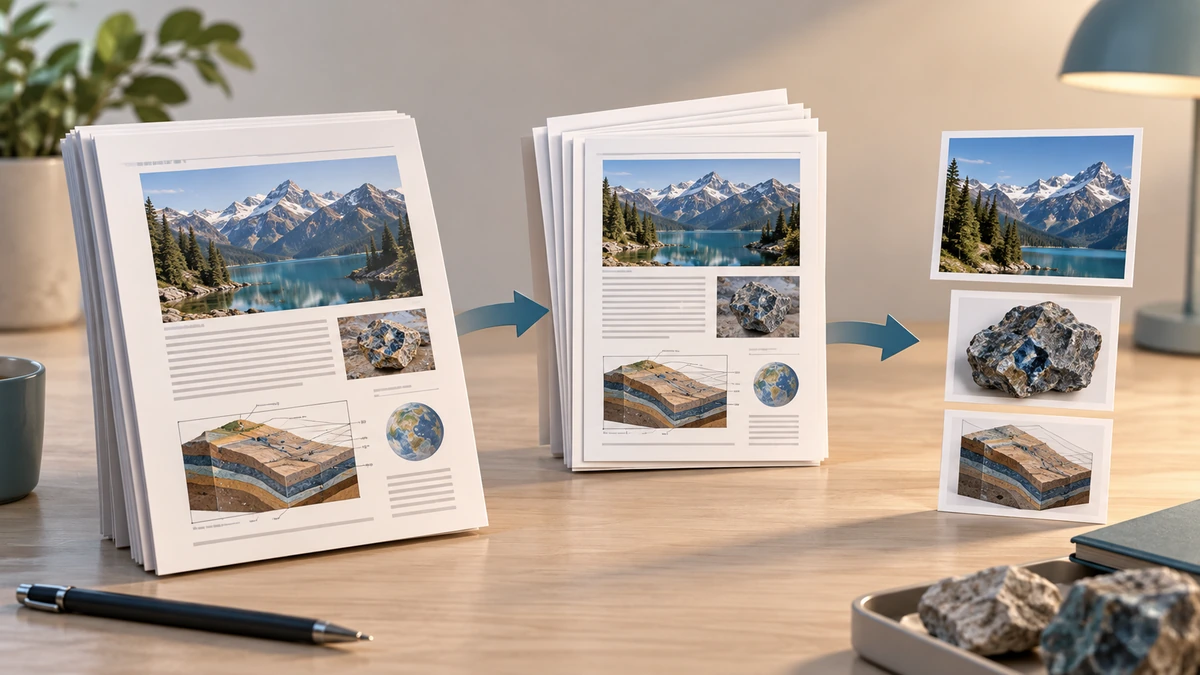
Adobe distinguishes exporting every PDF page from extracting the raster images embedded inside the PDF. Exporting pages preserves the complete page composition; extracting images may omit surrounding text, vector graphics, and layout.
Adobe AcrobatAfter conversion, compare dimensions and inspect one text-heavy page at 100% zoom. The right format is the smallest one that still serves the intended use, not the one with the most impressive compression ratio.
Key takeaways
- JPG is usually best for photographic pages.
- PNG is usually best for text, diagrams, and sharp edges.
- An image export does not preserve PDF interactivity or searchable structure.
Sources
References for factual claims and further reading.
- 01
MDN Web Docs
Image file type and format guide - 02
Adobe Acrobat
Export images or selections from a PDF
Educational information only. Follow the requirements of the receiving organization, product label, applicable standard, or qualified professional for your situation.