

In this guide
Image compression works best when you stop storing detail the destination cannot display. A 4000-pixel photo used in a 900-pixel content column carries far more pixel data than that placement needs.
Format matters too. MDN recommends JPEG for lossy still photographs and PNG when precise reproduction or transparency is important; modern formats such as WebP can provide stronger compression for web use.
MDN Web DocsResize before lowering quality
First set the pixel dimensions to the largest size at which the image will actually be shown. This often produces a large reduction without introducing the block artifacts associated with very low quality settings.
Do not upscale a small source in the hope of adding detail. MDN warns that scaling can make images blurry or grainy, especially when text must remain legible.
MDN Web DocsMatch the format to the content
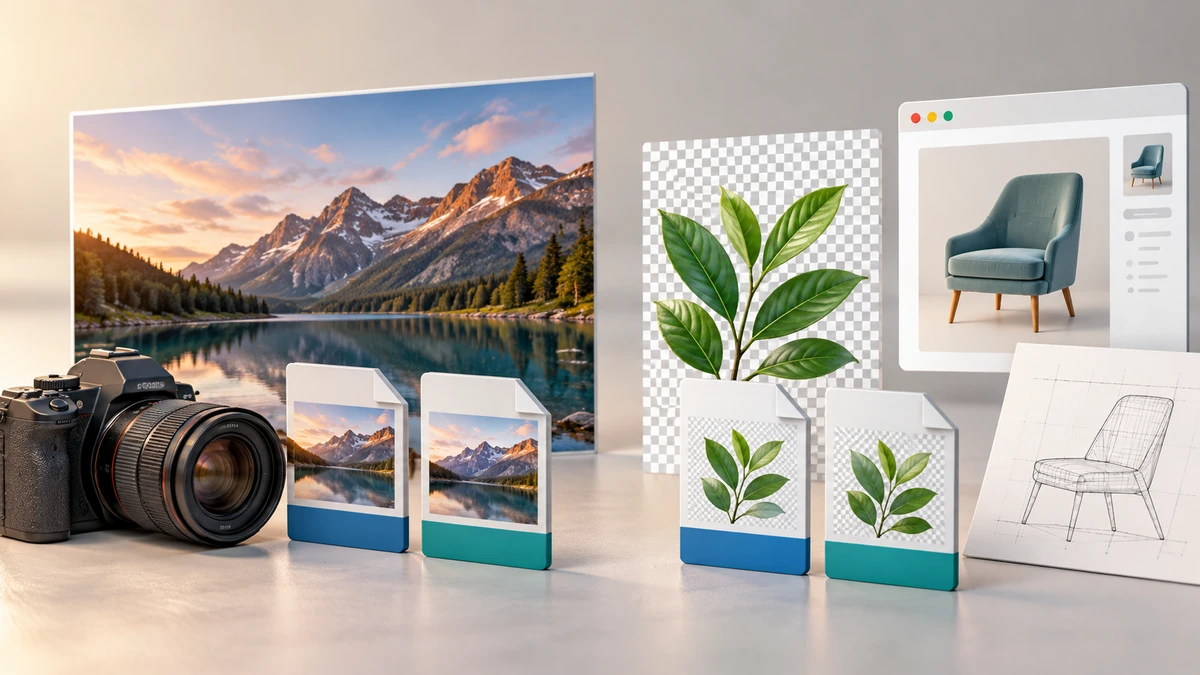
Use JPG or lossy WebP for photographs and gradients. Use PNG or lossless WebP for logos, interface screenshots, diagrams, and transparent artwork. Converting a detailed photograph to PNG can increase size without improving the visible source.
Google reports that its WebP format supports lossy and lossless modes, transparency, and animation. Its published comparison found smaller files than comparable JPEG and PNG images under its test conditions, but your own image should be compared visually before replacing a production asset.
Google for Developers- Photograph: JPG or lossy WebP.
- Logo or screenshot: PNG or lossless WebP.
- Transparency: PNG or WebP with alpha support.
Inspect the areas that fail first
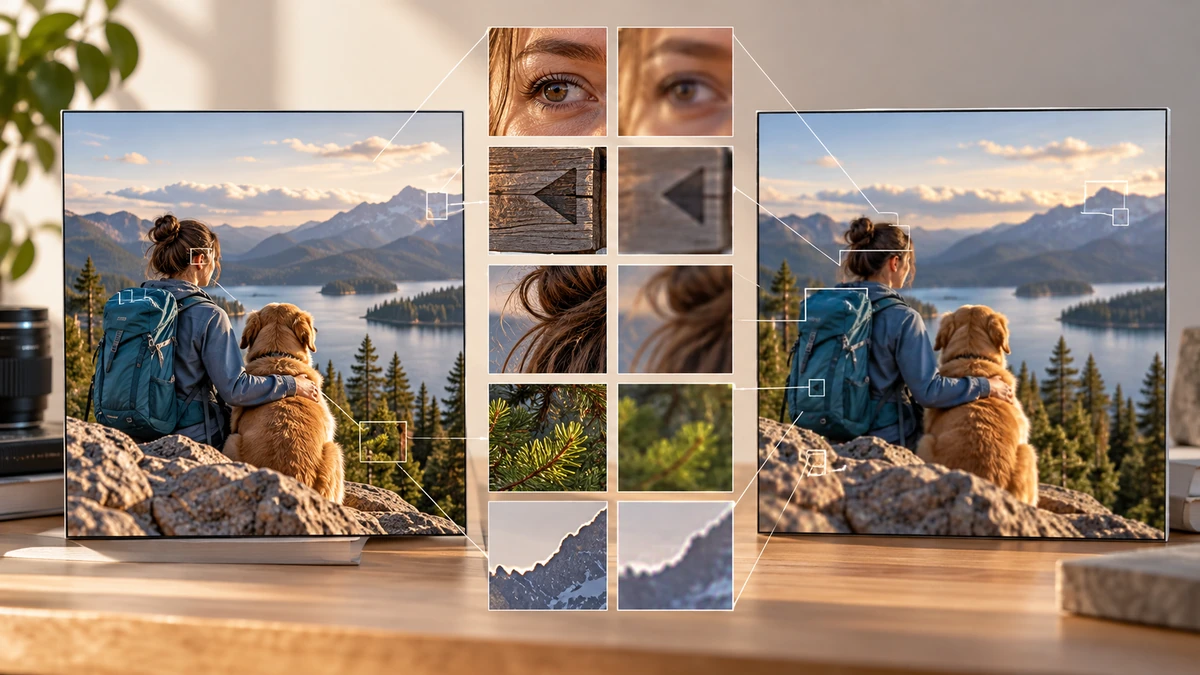
Compare the original and compressed image at the intended display size, then zoom into faces, small text, hair, foliage, and high-contrast edges. These areas reveal smearing and ringing before large smooth areas do.
Keep the original as the editing master. Compression output should be a delivery copy, because repeatedly editing and exporting a lossy file compounds degradation.
Key takeaways
- Right-size pixel dimensions before using aggressive quality reduction.
- Choose the format based on image content.
- Judge quality at the final display size and keep the original master.
Sources
References for factual claims and further reading.
- 01
MDN Web Docs
Image file type and format guide - 02
MDN Web Docs
Using images with the Canvas API - 03
Google for Developers
An image format for the Web
Educational information only. Follow the requirements of the receiving organization, product label, applicable standard, or qualified professional for your situation.