
In this guide
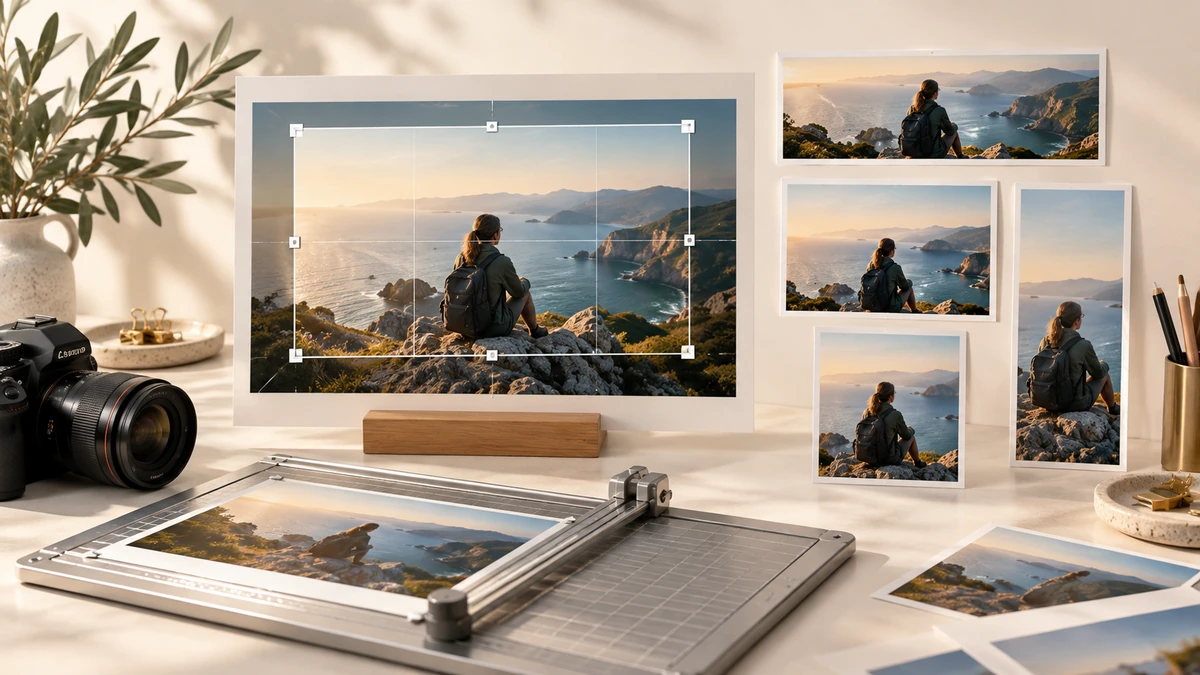
Cropping changes composition by removing pixels outside a selected rectangle. It is often the correct way to fit an image into a frame with a different aspect ratio because it avoids stretching the subject.
Canvas image APIs model cropping as a source rectangle that is drawn into a destination rectangle. The crop and the final output size are separate decisions.
MDN Web DocsChoose the ratio from the destination
A 1:1 crop is square; 16:9 is wide landscape; 4:5 is a taller portrait. Use the destination’s published requirement when available. If only pixel dimensions are supplied, divide width by height to obtain the ratio.
Lock the ratio while moving the crop box. This lets you explore composition without accidentally producing a slightly wrong shape that a platform will crop again.
Protect the subject and useful context
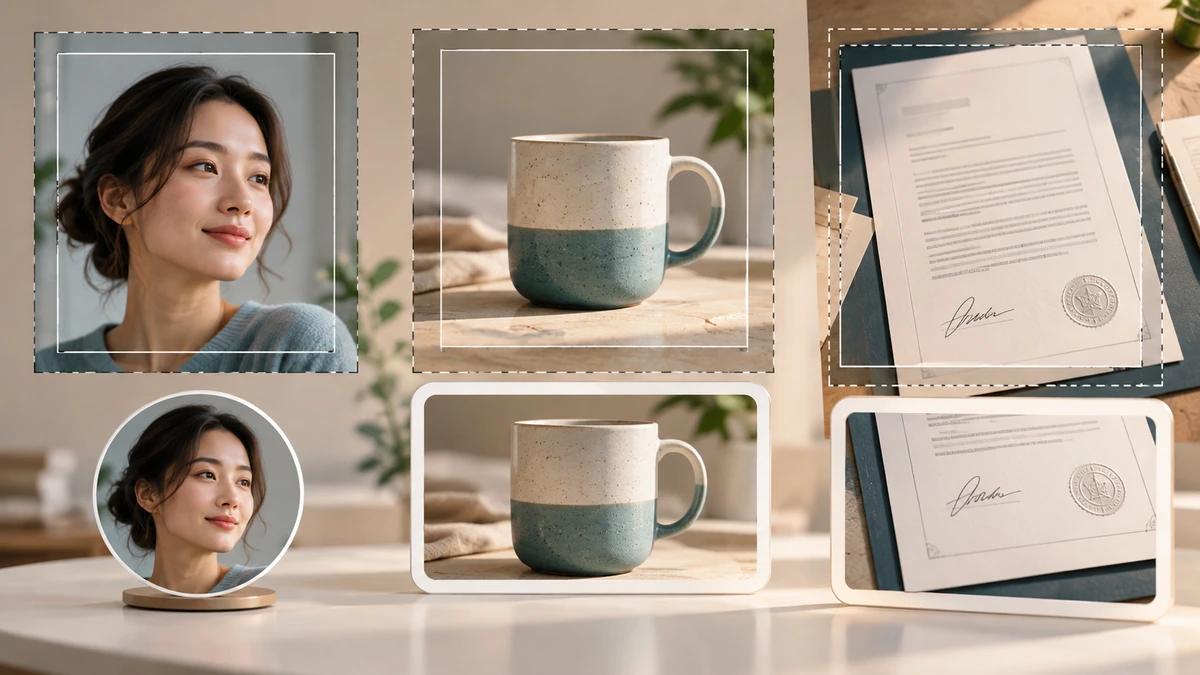
Place faces, products, signatures, and text safely inside the frame. Leave breathing room near edges because circular avatars, rounded cards, or responsive layouts may hide corners. Do not crop a document image so tightly that page boundaries or validation marks disappear.
For a group photo or scene, a fit-with-background approach may be more honest than cutting out people. Cropping is irreversible in the exported copy, so keep the original.
- Move the crop before shrinking the crop area.
- Check every face and every line of text.
- Preview any circular or rounded mask used by the destination.
Resize after the composition is final
Crop at the source resolution first, then resize the resulting composition to the output dimensions. This preserves the greatest amount of useful source detail for the selected area.
Inspect the exported image at 100% zoom. MDN notes that scaling can blur or grain images, especially text-heavy material, so choose a target large enough for the intended display. Also preview the crop on a narrow phone screen if it will appear in a responsive layout.
MDN Web Docs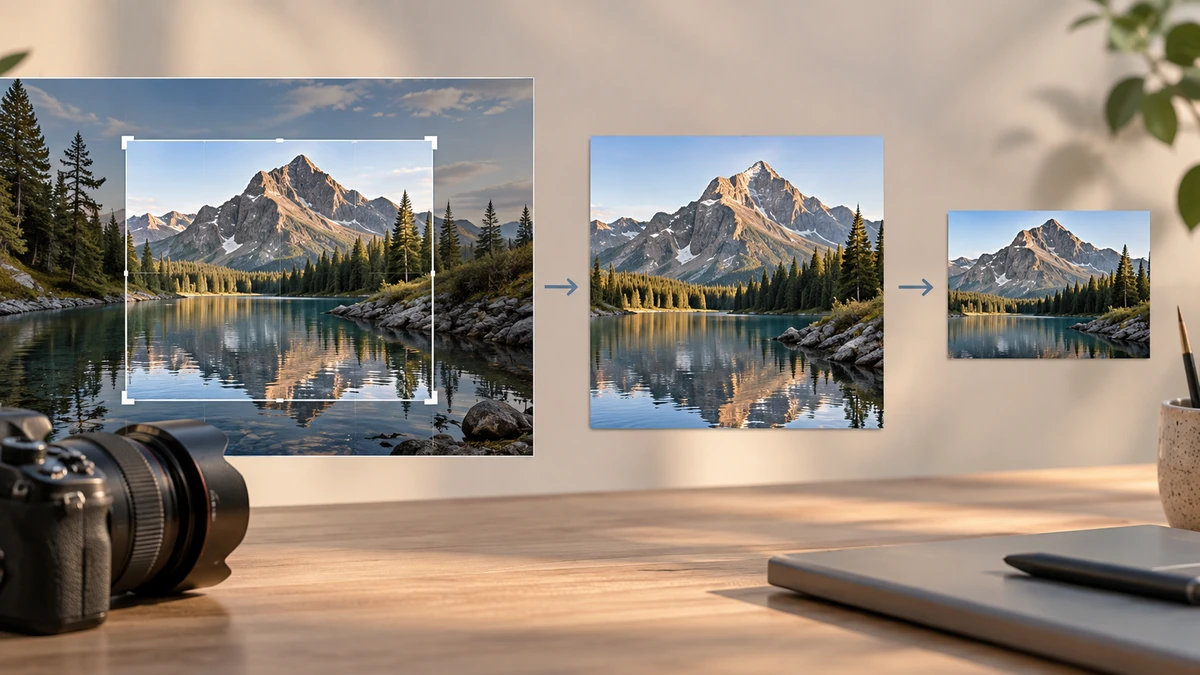
Key takeaways
- Aspect ratio controls shape; pixel dimensions control output size.
- Protect essential subjects from edge masks and follow-on crops.
- Crop first, then resize the chosen composition.
Sources
References for factual claims and further reading.
- 01
MDN Web Docs
Using images with the Canvas API
Educational information only. Follow the requirements of the receiving organization, product label, applicable standard, or qualified professional for your situation.