
In this guide
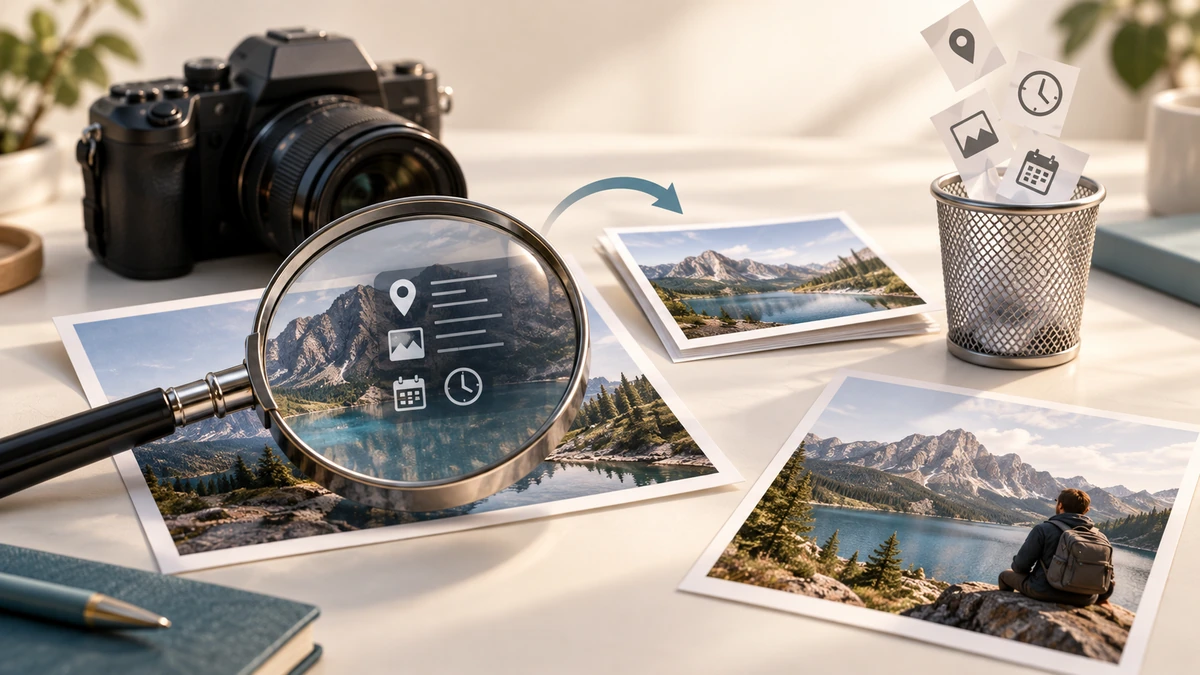
A photo can contain more than visible pixels. EXIF metadata may record camera details, capture time, orientation, and—when location capture was enabled—GPS information.
The Camera & Imaging Products Association’s Exif 3.0 overview specifically identifies GPS information as a metadata category in the standard.
Camera & Imaging Products AssociationInspect first, then decide what to remove
Not every field is sensitive. Orientation and color-profile information can help software display an image correctly, while exact latitude and longitude may reveal a home, workplace, school, or travel location. Capture dates can also disclose routines.
Use a metadata viewer to inspect the actual file rather than assuming that a social platform removed everything. Different apps may preserve, rewrite, or strip different fields.
Work on a copy
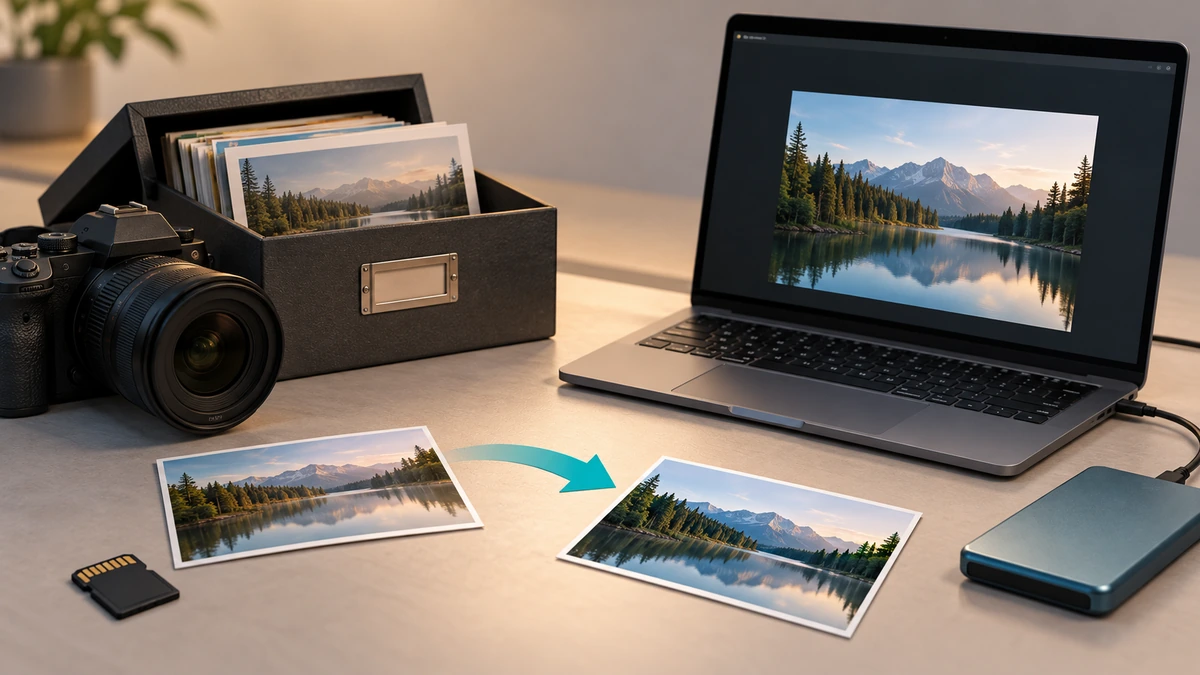
Keep the original in a private archive if camera details and capture time may be useful later. Remove metadata from a delivery copy and give that copy a new filename. This avoids losing provenance from the only version you own.
After removal, reopen the delivery copy in a metadata viewer. Verify that GPS coordinates and any other selected fields are gone, and confirm the image still displays with the correct orientation and color.
- Prioritize GPS coordinates, exact timestamps, device identifiers, and personal comments.
- Keep a private original when provenance matters.
- Verify the cleaned file rather than trusting a success message alone.
Metadata removal does not anonymize the picture
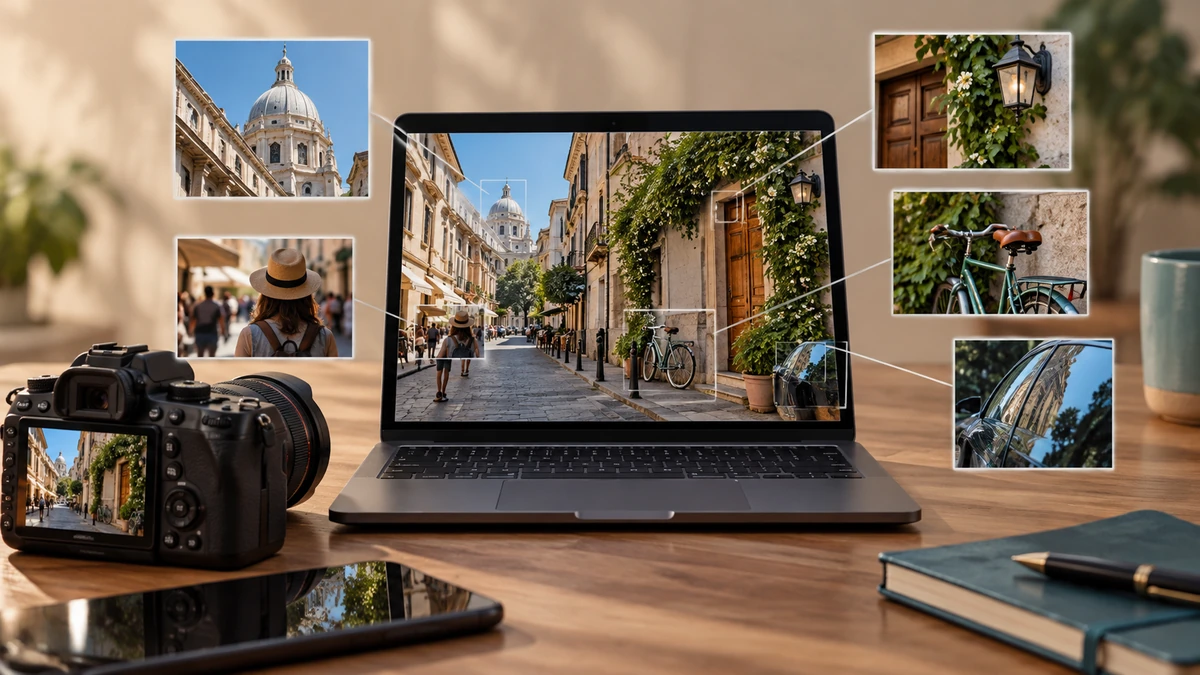
Visible content can still reveal a location or identity. Street signs, house numbers, badges, reflections, landmarks, faces, and screen contents remain in the pixels after EXIF fields are removed.
For sensitive sharing, review both layers: metadata and visible information. Crop or blur revealing visual details separately, and remember that removing metadata does not revoke copies already shared. Send the cleaned copy through the intended channel and inspect that exact attachment once more before publishing.
Key takeaways
- EXIF can contain GPS and other contextual information.
- Remove metadata from a copy and verify the result.
- Review the visible image too; metadata removal is not full anonymization.
Sources
References for factual claims and further reading.
- 01
Camera & Imaging Products Association
About Exif 3.0
Educational information only. Follow the requirements of the receiving organization, product label, applicable standard, or qualified professional for your situation.