
In this guide
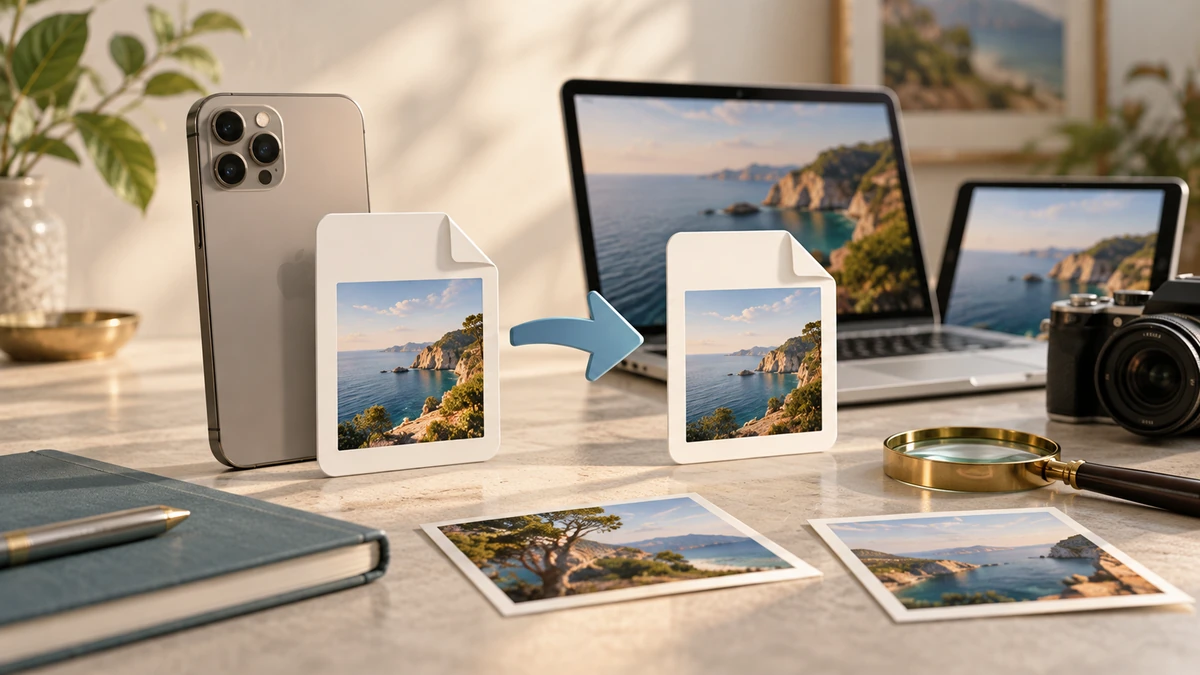
HEIC is a common filename extension for images stored in the High Efficiency Image File Format used by Apple devices. It is efficient, but a form, editor, or older device may still require JPG.
Apple says HEIF offers better compression than JPEG while preserving the same visual quality, and notes that sharing to an unsupported device may automatically create a more compatible JPEG copy.
Apple SupportKeep HEIC when the workflow supports it
HEIC is useful as an original because it can store high-quality imagery efficiently. If your photo library, editing software, and recipients support the format, converting every image creates extra files without a clear benefit.
Apple introduced HEIF support with iOS 11 and macOS High Sierra, and current Apple systems can view, edit, and duplicate supported HEIF media. Compatibility outside that ecosystem should still be checked against the exact application.
Apple SupportConvert to JPG for a compatibility requirement
Convert when an upload control rejects HEIC, a website accepts only JPG or PNG, or a recipient cannot open the image. JPG is especially appropriate for ordinary photos because it is widely supported and designed for lossy photographic compression.
MDN Web DocsUse a high-quality conversion setting for important photos, then reduce dimensions separately if the upload also has a size limit. Converting and heavily compressing in one step makes it harder to identify which choice caused a quality problem.
- Retain the HEIC original.
- Create a JPG delivery copy.
- Check orientation, color, date, and visible detail after conversion.

Watch metadata and orientation
Photos can carry metadata such as capture date, camera settings, and location. Decide whether the delivery copy should preserve or remove those fields. A converter may also bake orientation into the output pixels or copy an orientation tag, so open the JPG in the destination app before sending it.
Apple’s own manual workflow exports an HEIF image from Photos or Preview to a format such as JPEG or PNG. That is a useful fallback when a browser-based conversion is not available.
Apple Support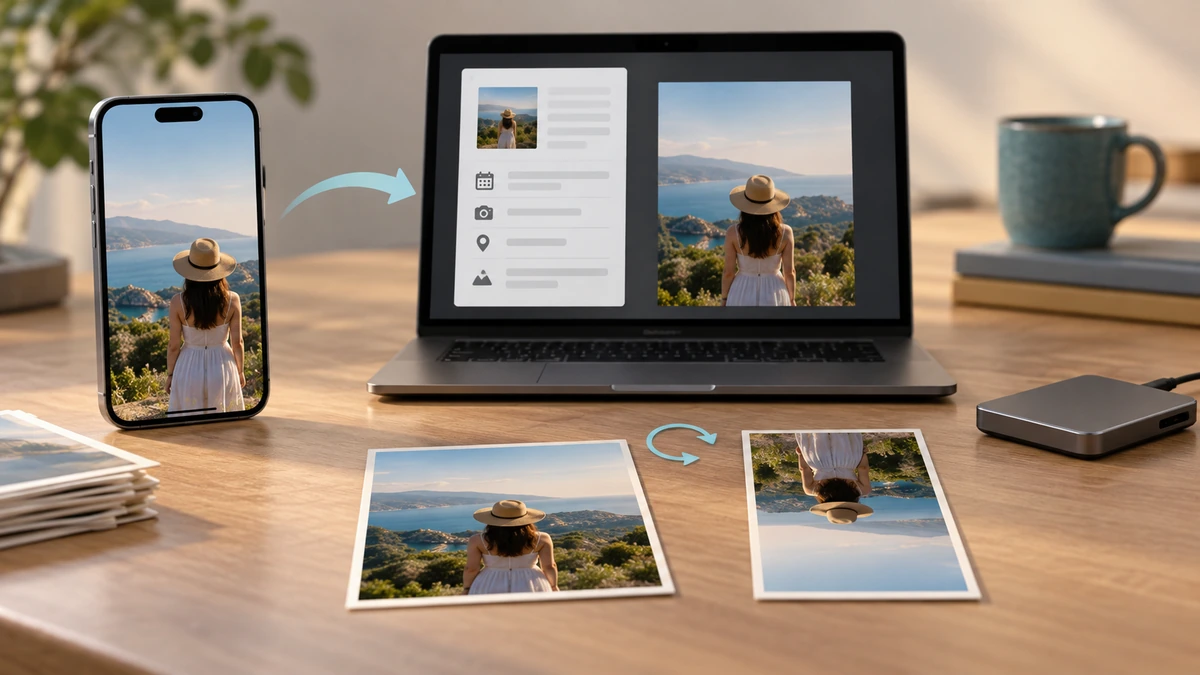
Key takeaways
- HEIC is efficient; JPG is usually more compatible.
- Convert only when the destination requires it.
- Keep the HEIC original and inspect metadata and orientation in the JPG copy.
Sources
References for factual claims and further reading.
- 01
Apple Support
Using HEIF or HEVC media on Apple devices - 02
MDN Web Docs
Image file type and format guide
Educational information only. Follow the requirements of the receiving organization, product label, applicable standard, or qualified professional for your situation.