
In this guide
There is no universally best image format. The right choice depends on whether the image is a photograph, a sharp-edged graphic, a transparent asset, or an image intended for broad reuse outside the web.
MDN’s format guide characterizes JPEG as a lossy still-image format, PNG as a lossless format with full alpha transparency, and WebP as a modern format supporting lossy and lossless compression, transparency, and animation.
MDN Web DocsUse JPG for compatibility and photographs
JPG remains a practical delivery format for photographs because it is broadly supported and compresses continuous-tone imagery well. It does not support an alpha transparency channel, and aggressive compression can create visible blocks or halos around edges.
Choose JPG when the destination explicitly requests it, when a photo must open in older software, or when predictable compatibility matters more than the smallest possible web asset.
Use PNG for exact pixels and transparency
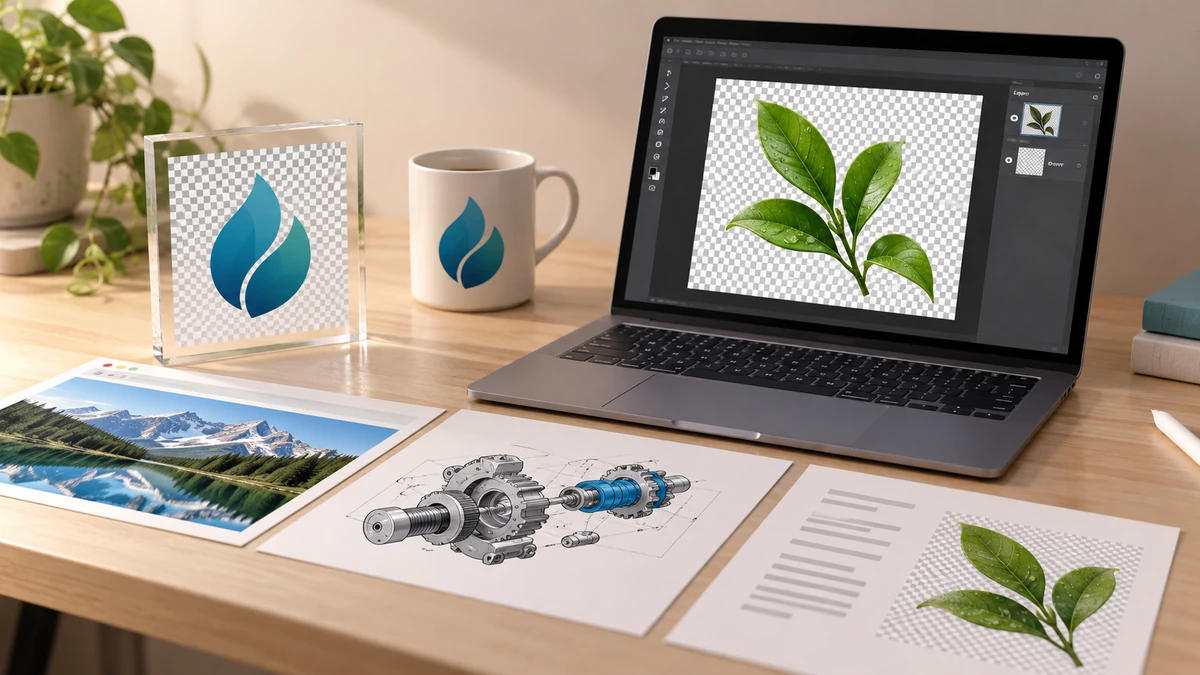
PNG preserves image data losslessly and supports transparency. It is a strong fit for screenshots, logos, diagrams, text-heavy graphics, and assets that will be edited again. The trade-off is that photo-like PNG files can be much larger than equivalent lossy files.
MDN Web DocsA PNG is not automatically “higher quality” than every JPG. If the source is already a compressed JPG, converting it to PNG preserves the current pixels but does not restore detail lost during the earlier JPEG compression.
Use WebP for efficient web delivery
WebP can operate in lossy or lossless mode and supports alpha transparency. Google’s published WebP overview reports smaller files than comparable JPEG and PNG images in its test sets, and lists native support in major browsers.
Google for DevelopersFor a website, compare WebP with the current source at the same displayed dimensions. For documents, print shops, application portals, or software with strict upload rules, follow the destination’s accepted-format list even if another format would be smaller.
- Photograph for broad reuse: JPG.
- Screenshot, diagram, or transparent master: PNG.
- Optimized website asset: WebP, with a fallback if your audience requires one.

Key takeaways
- Pick by content and destination, not by file extension popularity.
- Lossless conversion cannot restore detail already lost.
- WebP is versatile for the web, while JPG and PNG remain useful compatibility formats.
Sources
References for factual claims and further reading.
- 01
MDN Web Docs
Image file type and format guide - 02
Google for Developers
An image format for the Web
Educational information only. Follow the requirements of the receiving organization, product label, applicable standard, or qualified professional for your situation.