
In this guide
A PDF viewer can make a sideways page look correct without changing the file. That is convenient for reading, but the next person may still receive the original sideways page.
Adobe distinguishes temporary “Rotate view” controls from page rotation in the Organize Pages tool. The latter changes the page orientation and can be saved with the document.
Adobe AcrobatIdentify the pages that truly need rotation
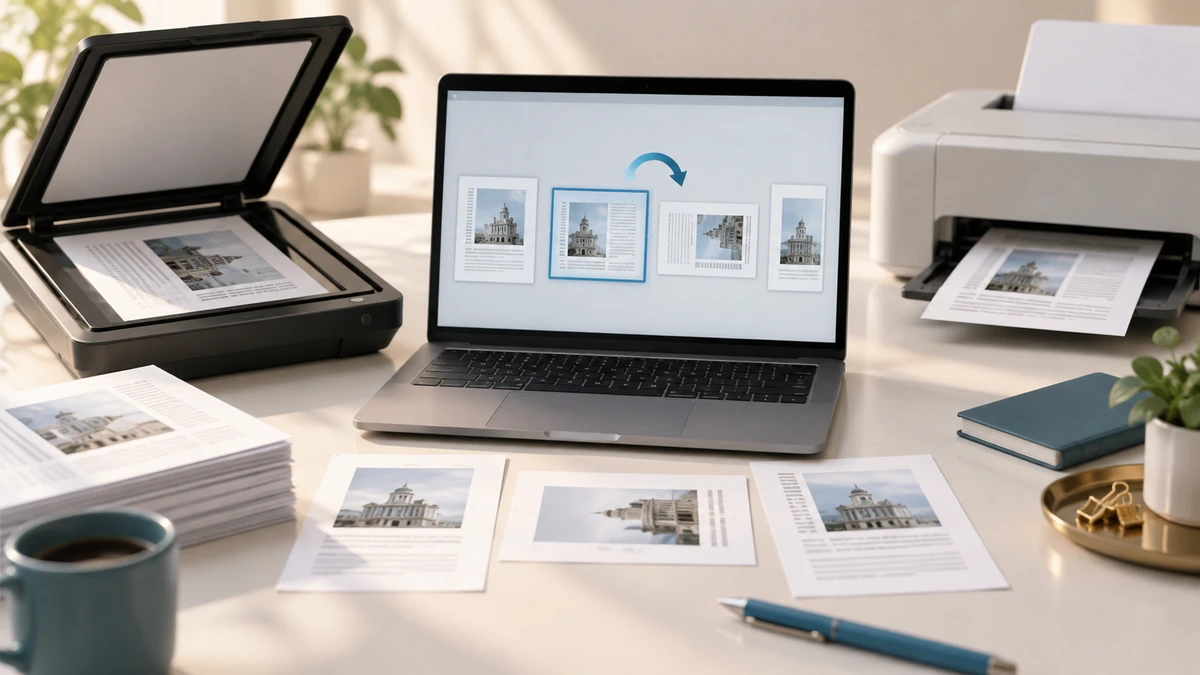
Scan the thumbnail rail rather than rotating every page blindly. Mixed documents often contain portrait text, landscape tables, and scanned envelopes. A landscape page is not wrong merely because it differs from the pages around it.
Select exact page ranges or use even/odd selection only when the scan pattern is consistent. Adobe’s page-rotation workflow supports selected pages, manual ranges, even pages, odd pages, or all pages.
Adobe AcrobatRotate in 90-degree steps
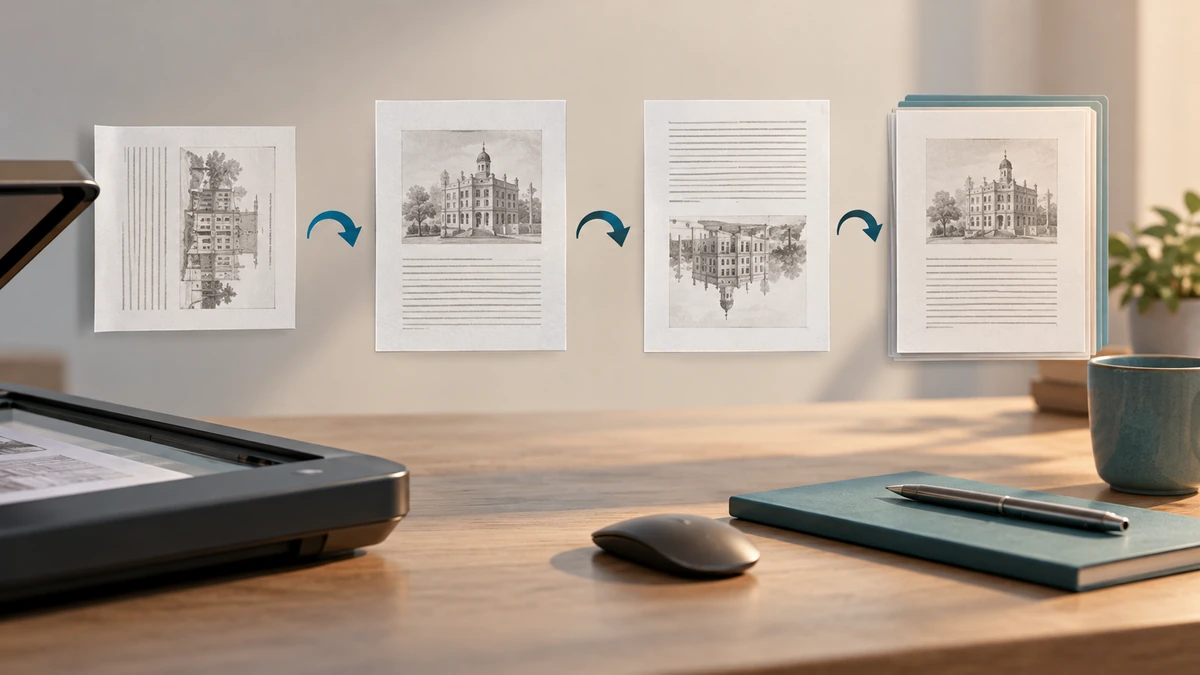
Use one 90-degree clockwise or counterclockwise turn, then inspect. A 180-degree correction requires two turns. Avoid any workflow that rasterizes pages solely to change orientation; page rotation can usually be stored without rebuilding the page as an image.
Save to a new filename when the source is important. A clear suffix such as “-upright” is more informative than “-edited.”
- Use page rotation, not view rotation, for a permanent fix.
- Do not force genuine landscape content into portrait.
- Keep an untouched original for signed or archival records.
Close, reopen, and print-preview
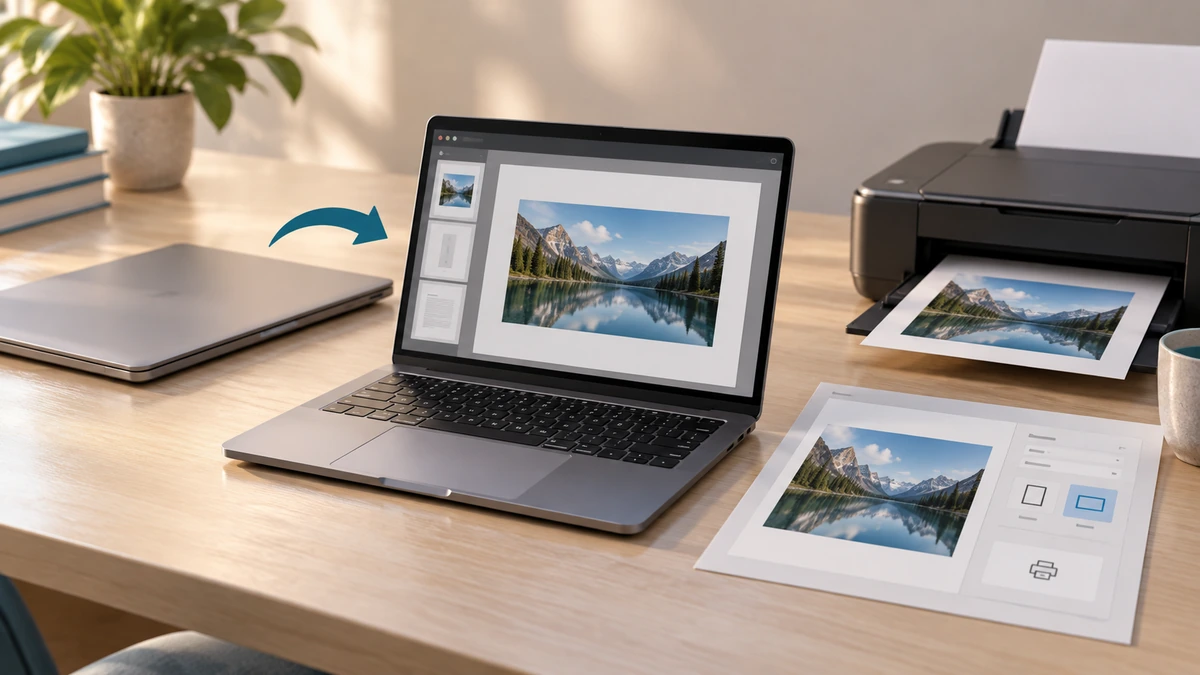
Close the result and reopen it to prove that the orientation was saved. Then check a print preview if the document will be printed; the page content and paper orientation are related but separate settings.
Finish by checking the first page, the last page, and every orientation transition. Those are the places where batch selection mistakes are easiest to spot. If the PDF has bookmarks or a table of contents, click several destinations to confirm the page structure still behaves as expected.
Key takeaways
- Viewer rotation is temporary; page rotation is saved in the PDF.
- Select only the pages that are actually wrong.
- Reopen the saved file to verify the fix.
Sources
References for factual claims and further reading.
- 01
Adobe Acrobat
Rotate pages in PDFs
Educational information only. Follow the requirements of the receiving organization, product label, applicable standard, or qualified professional for your situation.