

In this guide
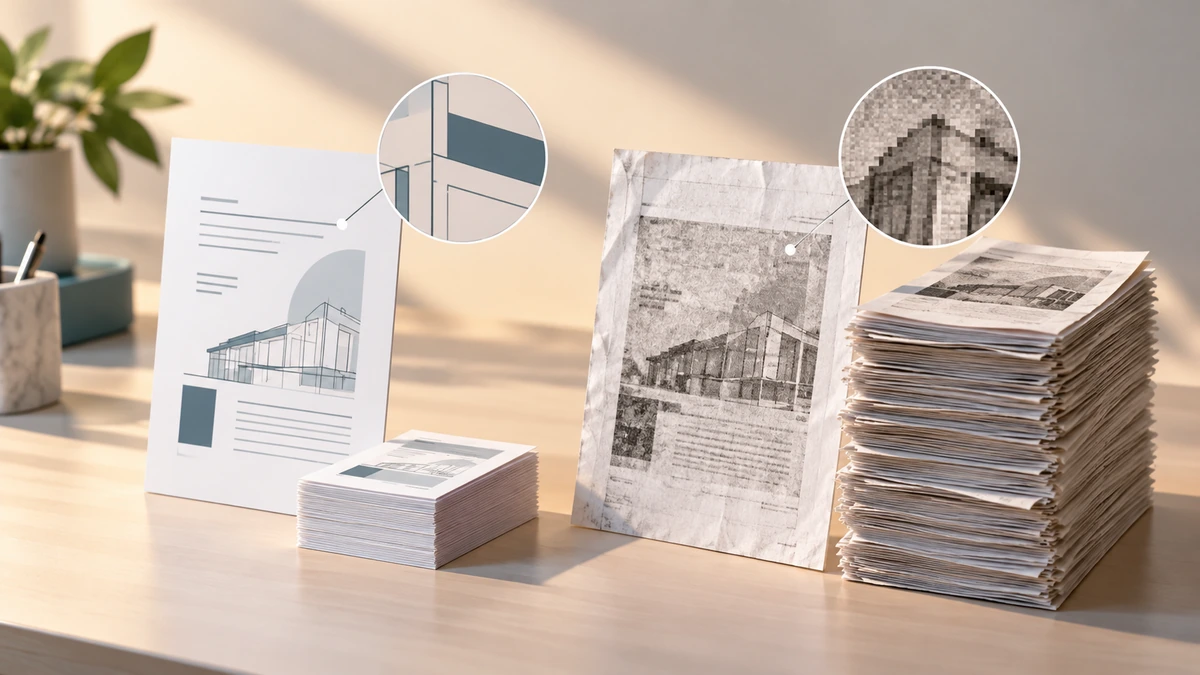
A PDF is a container, not a single kind of content. One file may contain compact text and vector shapes; another may contain a full-resolution photo of every page. That is why two PDFs with the same page count can have radically different sizes.
Adobe’s PDF Optimizer exposes the main levers: images, fonts, transparency, objects, user data, and structural cleanup. Each lever saves space differently and carries different risks.
Adobe AcrobatMost large savings come from images
Downsampling combines source pixels into fewer output pixels. Lossy JPEG or JPEG 2000 compression can then discard additional image information. This is effective for scans and photographs, but the removed detail cannot be recovered from the compressed file.
Adobe AcrobatFlat illustrations, diagrams, and screenshots may respond better to lossless compression than photographs. A generic maximum-compression preset cannot know which details are meaningful, so visual review remains essential.
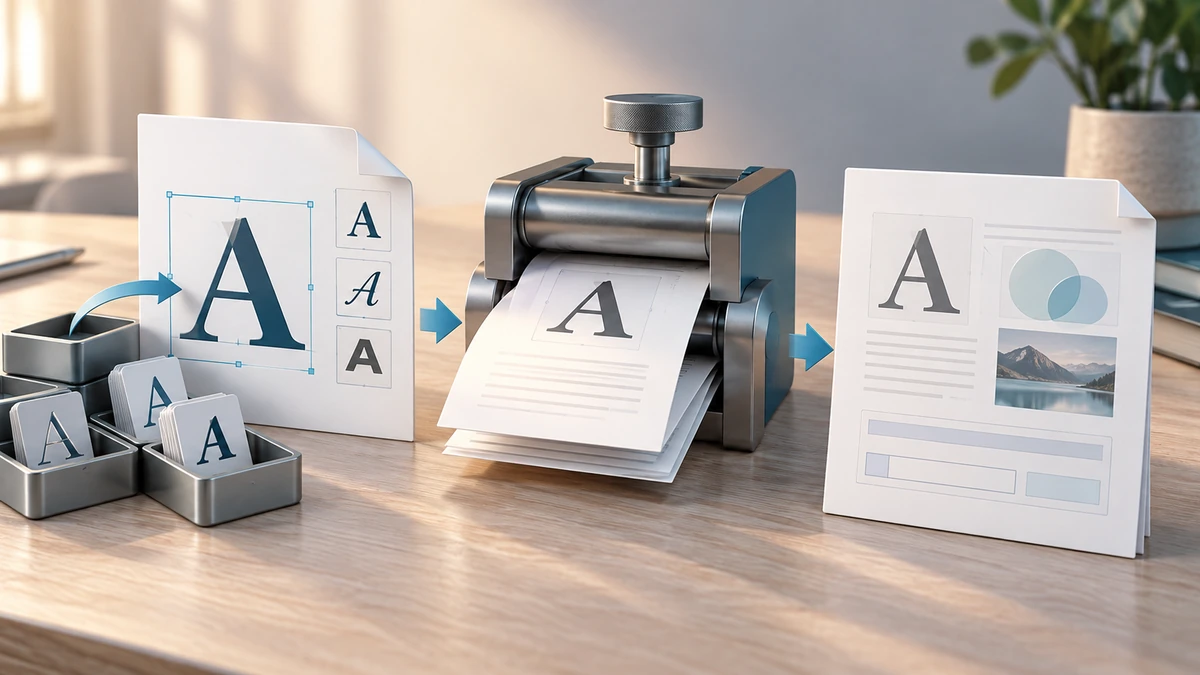
Fonts and document features can also change
Embedded fonts help a document look the same on systems that do not have those fonts installed. Unembedding can reduce size, but substitution may alter appearance. Likewise, flattening transparency or form fields can improve compatibility or size while removing editability.
Optimizer controls can also remove thumbnails, attachments, comments, metadata, search indexes, bookmarks, tags, or JavaScript. Adobe explicitly warns that discarding document tags removes accessibility and reflow capabilities.
Adobe Acrobat- Do not remove tags from an accessible document merely to save space.
- Do not flatten a form that the recipient still needs to complete.
- Do not remove attachments or comments that are part of the record.
Why some PDFs barely shrink
A digitally generated text PDF may already use compressed streams, subset fonts, and efficient vector content. There may be little redundant data to remove. By contrast, a phone-scanned PDF can contain millions of pixels per page and offer much more room for reduction.
Judge success against the destination requirement. A modest reduction with no visible damage is better than a tiny file that fails accessibility, form, or legibility checks.
Key takeaways
- Compression is a set of content-specific trade-offs, not one magic operation.
- Image downsampling is powerful but irreversible.
- Accessibility tags, forms, bookmarks, and attachments can be lost under aggressive settings.
Sources
References for factual claims and further reading.
- 01
Adobe Acrobat
PDF optimizer settings
Educational information only. Follow the requirements of the receiving organization, product label, applicable standard, or qualified professional for your situation.