
In this guide
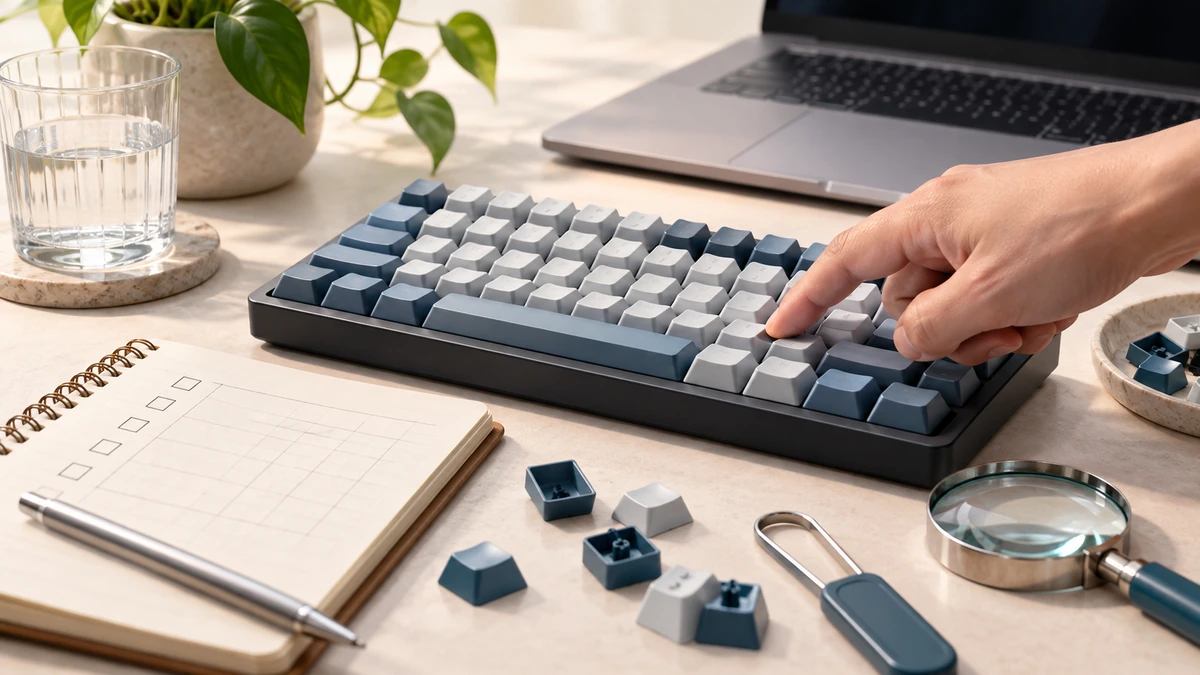
A browser keyboard tester visualizes the key events that reach the page. It is useful for spotting a key that never registers, releases late, or repeatedly fires while held.
MDN explains that KeyboardEvent objects represent key interactions and expose event types such as keydown and keyup, plus properties including key, code, location, modifier state, and repeat.
MDN Web DocsTest single keys systematically
Start with a simple pass from one corner of the keyboard to the other. Press and release each key once. A stuck visual state may indicate that the browser did not receive a keyup event, but it can also be caused by focus changes or an operating-system shortcut.
Test left and right modifier keys separately. KeyboardEvent.location helps distinguish standard, left, right, and numeric-keypad locations when the browser and hardware expose that distinction.
MDN Web DocsThen test combinations and repeat behavior
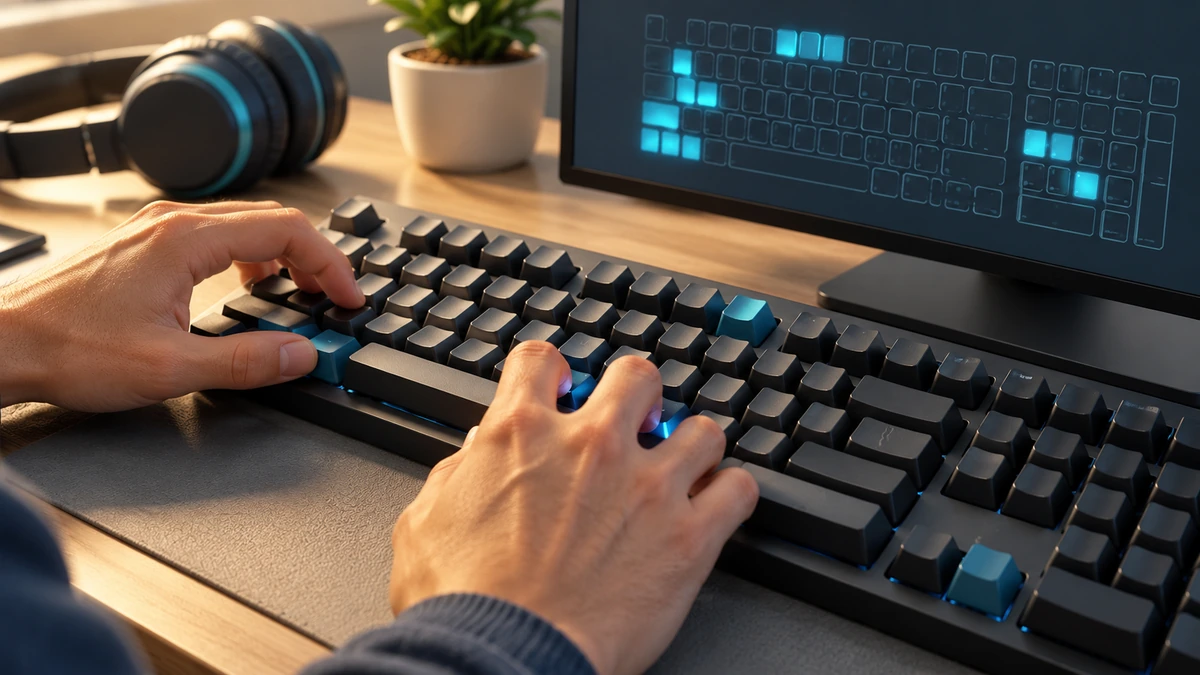
Hold common modifiers with letters and function keys. For gaming or shortcut problems, test the exact multi-key combination that fails. Some keyboards cannot report every large simultaneous combination because their matrix and rollover design impose limits.
A held key normally generates repeated keydown events and sets the repeat property. A key that repeats without being held may point to debris, a failing switch, accessibility settings, or operating-system repeat configuration.
MDN Web Docs- Test one key at a time first.
- Repeat the failing shortcut exactly.
- Compare in a second browser or operating system account.
- Try an external keyboard to separate device and computer issues.
Know the limits of a browser test
The page sees events after the keyboard firmware, connection, operating system, layout, and browser have processed them. It cannot inspect a switch electrically or guarantee that a problem is physical.
MDN also notes that physical code values and displayed key values are not identical concepts: code tracks physical position while key reflects layout and modifier state. Check both when a layout-specific result looks surprising.
MDN Web Docs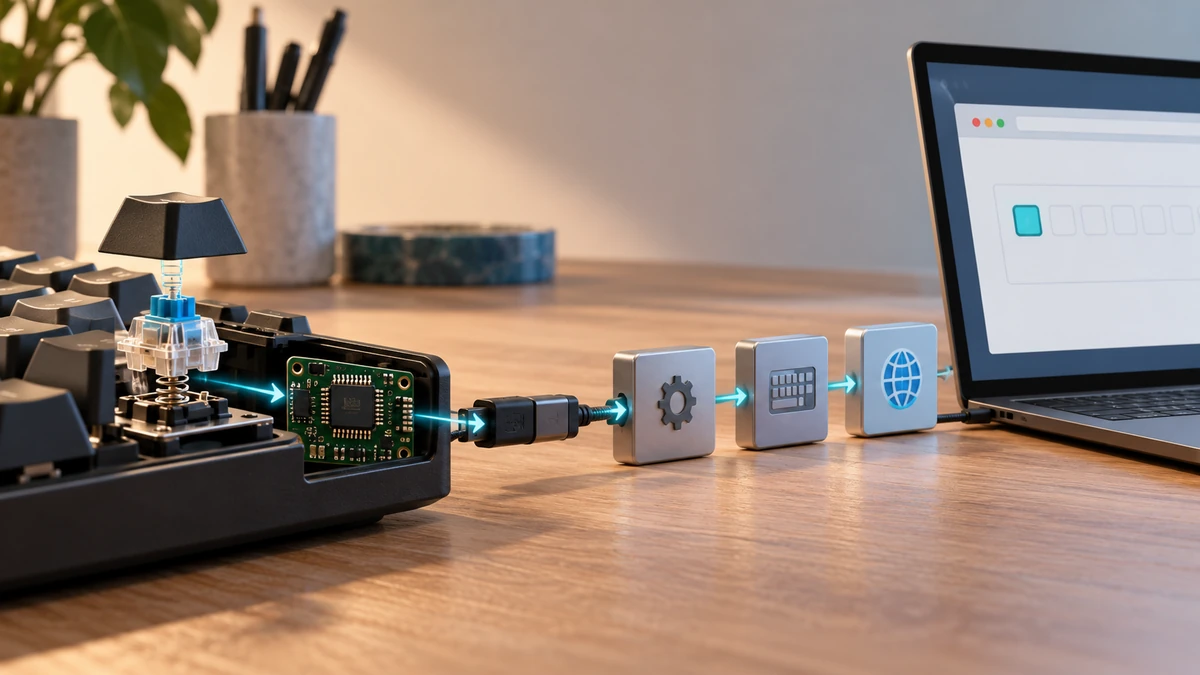
Key takeaways
- Browser tests show received events, not direct electrical health.
- Test single keys before combinations.
- Compare another browser or keyboard to isolate the fault.
Sources
References for factual claims and further reading.
- 01
MDN Web Docs
KeyboardEvent
Educational information only. Follow the requirements of the receiving organization, product label, applicable standard, or qualified professional for your situation.